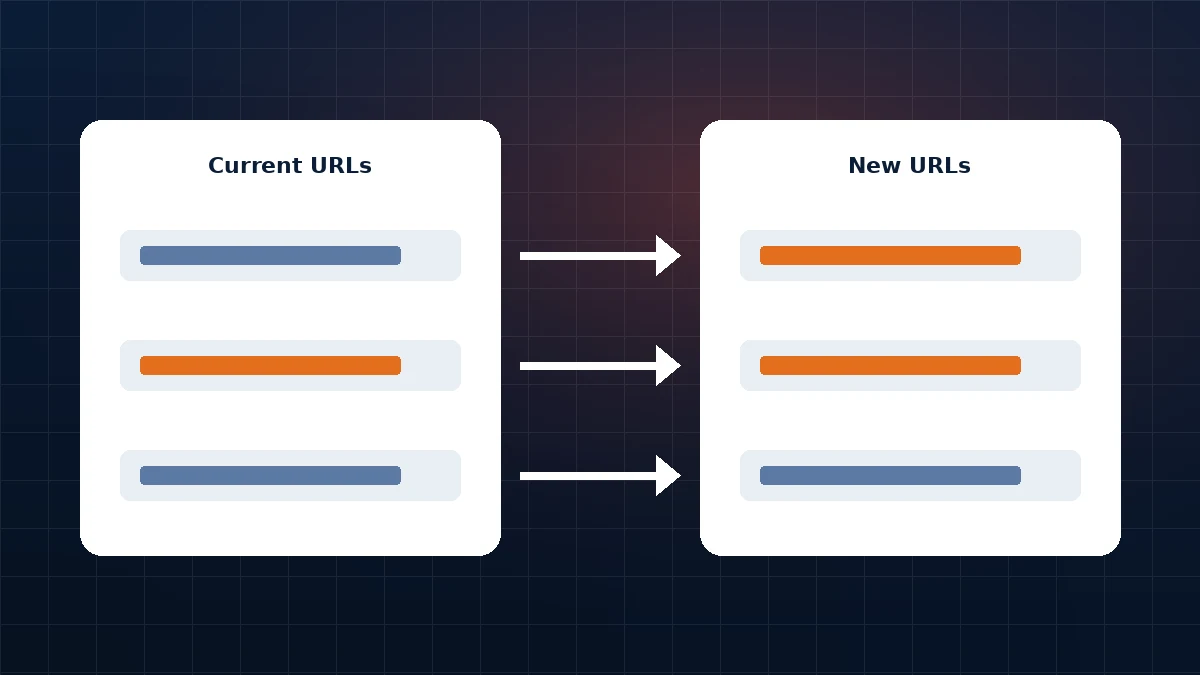
Before redesigning a business website, inventory the pages that already exist and decide which URLs should stay, change or be retired. A new layout does not require every address to change. I would treat URL decisions as a separate workstream, not a final task added just before launch.
This checklist is about preserving useful content and navigation during a redesign. It does not promise that rankings will remain unchanged; search engines still need to process significant site changes.
Build the old-site inventory
Collect URLs from the content system, XML sitemap, navigation, analytics and any other records available to the business. These sources answer different questions. A sitemap lists intended discoverable pages, while analytics may reveal landing pages that are absent from the current menu.
For each URL, record its purpose, page title, main heading, relevant internal links, form or download behavior and the proposed destination. Preserve useful text, approved images and documents before editing. A screenshot alone is not a content backup.
Mark pages that support a specific service or answer a question customers still ask. Do not remove them simply because a new template has fewer visible sections. A redesign should make useful material easier to find, not silently discard it.
Map each change to a sensible destination
Keep a URL when its purpose is unchanged and there is no compelling reason to move it. When a page does move permanently, Google’s site-move documentation recommends mapping old addresses to appropriate new ones and using permanent server-side redirects where possible.
Do not send every retired page to the homepage. An old service explanation should lead to the genuinely corresponding service, if one exists. If the content has no useful replacement, decide its treatment deliberately rather than inventing a connection.
Illustrative example: a page about a particular installation service is moving to a clearer service URL. Its mapping should point directly to that service’s new page, not through an old intermediate address or an unrelated general services page.
My website design and development service can include that inventory and mapping alongside the visual work. A launch plan should name who implements redirects and who verifies them.
Test the page, not only the redirect
A successful redirect does not mean the new destination is ready. Check that it returns the intended page, has a suitable title and heading, and allows the appropriate indexing behavior. Confirm that canonicals, internal links and sitemap entries reflect the chosen URLs.
Run representative tasks on a staging or local preview: opening a service page from navigation, completing a test inquiry, downloading an approved file and moving between related pages. Verify mobile layouts and keyboard access rather than assuming the desktop design covers them.
Protect the production site from accidental staging settings. A temporary restriction used during development must not be carried into the public launch without review. Equally, do not expose unfinished staging content just to make testing more convenient.
Use a launch acceptance sheet
Keep the checklist concrete:
- Old URL and expected new destination.
- Expected response and any redirect behavior.
- Preserved content and working internal links.
- Title, main heading and canonical check.
- Indexing settings appropriate to the public page.
- Working form or download, where present.
- Mobile and keyboard review status.
- Named owner for any unresolved issue.
For a site dependent on local inquiries, local SEO support should be part of the content and location review, not a promise that a design change alone will improve visibility.
Monitor what actually shipped
After launch, check ordinary public URLs, not only special preview addresses. Review crawl errors, important landing pages and the inquiry path. A cache-busting page that looks correct does not prove every visitor receives the new version.
Google notes that significant moves can produce ranking fluctuations while pages are recrawled. Keep a change record so a problem can be investigated against a known launch state. Avoid making several unrelated structural changes before understanding the first set.
Contact Us to plan a redesign with content preservation and URL checks built into the scope.