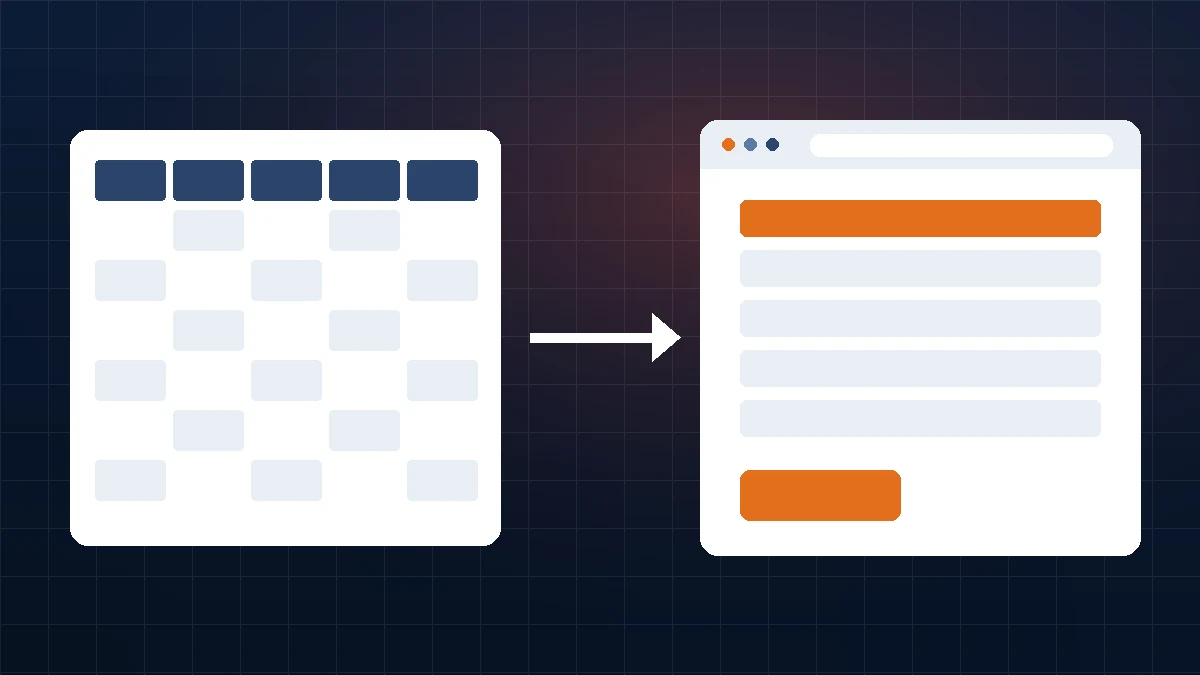
Before turning a spreadsheet into a web application, separate the business rules from the workbook’s layout. A web app should support the process, not merely reproduce every tab in a browser. I would document users, records, calculations, approvals and exceptions before estimating the build.
A spreadsheet can remain the right tool for a small, stable task. The case for an application becomes stronger when shared editing, controlled access or a reliable workflow matters more than flexible individual analysis.
Identify what the spreadsheet is really storing
List the things represented in the workbook: customers, jobs, products, quotes, approvals or transactions. Determine whether a row means the same thing on every tab. One sheet might hold one row per job while another contains one row per line item; treating both as interchangeable can create confusing application requirements.
Find formulas, hidden columns, manual overrides and external connections. Ask which are deliberate business rules and which are repairs for a temporary problem. Keep a read-only original so the review does not accidentally alter the reference.
Illustrative example: a quotation workbook contains a standard calculation plus cells where a manager can approve an exception. The application needs a documented calculation and a controlled override, not an unexplained editable total.
Define records and rules explicitly
Give each important record a stable identifier. Names and descriptions can change; an identifier should not depend on a user’s preferred spelling. Define required fields, allowed statuses and relationships between records.
Database constraints can enforce some of those rules. PostgreSQL’s constraint documentation describes mechanisms such as not-null, unique, primary-key and foreign-key constraints. These are implementation tools, not a substitute for agreeing on what the records mean.
Record calculations in ordinary language, including rounding, units and dates. State how corrections work. If a rule cannot be explained without pointing to a particular cell color, it needs more definition before development.
My database setup and design support can help establish that structure before it becomes embedded in a new interface.
Describe user actions rather than screens alone
Write short task statements: a coordinator creates a job, a reviewer approves a change, an administrator manages access. Include what each person may see, edit, export or delete.
The OWASP authorization guidance recommends permission checks on every request and a deny-by-default approach. A button hidden from a user is not, by itself, an access-control design. The system must prevent unauthorized actions where the request is processed.
For each task, define success, validation errors and the next step. Ask what happens if two people edit the same record, a connection fails during saving or a request is submitted twice. Those cases are part of normal operational design, not optional polish.
Prepare examples that can be tested
Build a small, approved test set containing:
- A routine record that should pass without intervention.
- An incomplete record with a clear correction path.
- A duplicate identifier or conflicting value.
- An exception requiring approval.
- A correction to an already completed record.
- A record a particular user must not access.
- A repeated submission that should not create a second transaction.
Label the examples as tests and avoid copying private business information into an uncontrolled development environment. For each example, write the expected result before asking a developer to demonstrate it.
Decide the first release boundary
A first release can cover one complete workflow rather than every workbook feature. Keep reporting exports, maintenance responsibilities and rollback requirements in scope even when the feature set is small.
My custom web application development can use this requirements packet to distinguish essential behavior from later enhancements. It also gives the business a basis for accepting the work instead of judging only whether the screens resemble the old spreadsheet.
The useful handoff is a process that remains understandable without the original workbook author sitting beside every user.
Contact Us to scope a spreadsheet-based workflow before rebuilding it as an application.