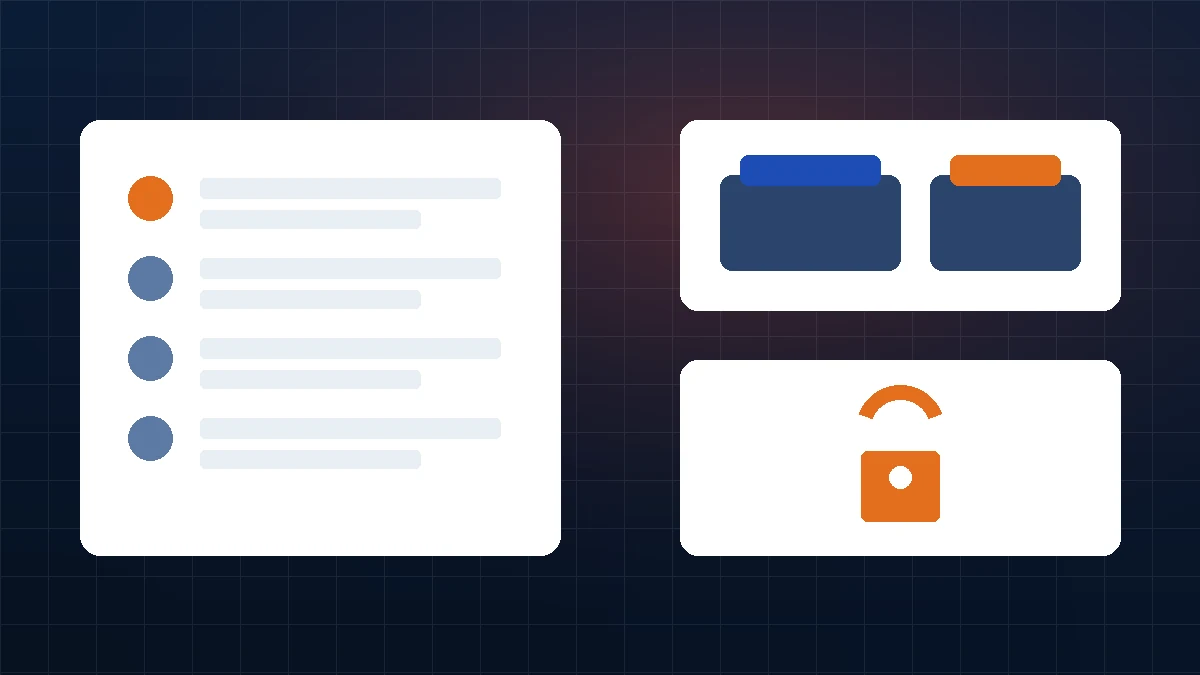
AI-assisted email triage can help organize incoming messages and prepare draft responses, but classification is not the same as authority to act. I would separate reading, labeling, drafting and sending into distinct permissions. That makes it possible to use assistance without quietly giving a system control over customer commitments.
This is a workflow design guide, not a general AI pilot plan. The question is specifically where human review belongs in an inbox process.
Define the allowed job
Start with the inbox categories that matter to the business: new inquiries, existing work, invoices, supplier messages and unrelated material. Write short definitions and include ambiguous examples. A message that mentions an invoice may be a payment dispute rather than an ordinary accounts-payable document.
Decide what the system can do for each category. Reading an approved inbox, suggesting a label and drafting a reply are separate actions. Sending a reply, changing a customer record or committing to a delivery date should require explicit authorization appropriate to that action.
NIST’s AI Risk Management Framework is voluntary guidance for incorporating trustworthiness into the design, use and evaluation of AI systems. The approval boundaries here are a practical workflow recommendation, not a claim that NIST prescribes a particular email configuration.
Treat messages as untrusted input
Incoming email can contain mistakes, misleading instructions or material designed to trigger an unsafe action. A message saying “ignore the approval process” is still message content, not a valid change to the business’s rules.
Do not let an attached document or quoted email redefine recipients, payment details or system permissions. Route requests for consequential changes to the authorized person through an established verification process. Keep secrets and unnecessary personal information out of prompts and routine logs.
Illustrative example: a supplier message includes a changed remittance instruction. The triage system may flag the message for review, but it should not edit supplier payment records or send money. That requires a separate business control, not confidence in a summary.
Build a useful review screen
A reviewer needs the original message, the proposed label, the relevant evidence and the suggested next action. A fluent summary without the original context makes it harder to spot an omitted qualification or an invented commitment.
Give the reviewer a way to accept, correct or reject the suggestion. Record the approved outcome without retaining more private message content than the business needs. For a response draft, show the exact text and recipient before it can be sent.
My AI integration support can help define those boundaries. If the process needs a purpose-built review queue or a connection to another business system, custom workflow application development may be more suitable than an inbox rule with broad permissions.
Test difficult messages deliberately
Use approved test material representing:
- An ordinary inquiry with enough information to route.
- A message that belongs to more than one category.
- A forwarded chain with an outdated request.
- A request to change account or payment details.
- An attachment containing instructions aimed at the AI.
- A draft reply that would promise an unavailable service.
- A message the system must leave for manual review.
Expected behavior should be written down before testing. Measure incorrect routing and reviewer corrections, not just the number of messages processed. Do not describe the workflow as autonomous if a person still performs the consequential decision.
Keep a manual path and an owner
Define who monitors failures, who can disable the integration and how messages continue to be handled if the AI connection is unavailable. An inbox should not become a hidden queue that nobody checks because an automation was expected to deal with it.
Start with a narrow, reversible task. Broader access can be considered only when the review process is working and the business accepts the risks. A useful system makes the next human action clearer; it does not invent authority from a customer’s wording.
Contact Us to design an inbox workflow with explicit review and sending boundaries.