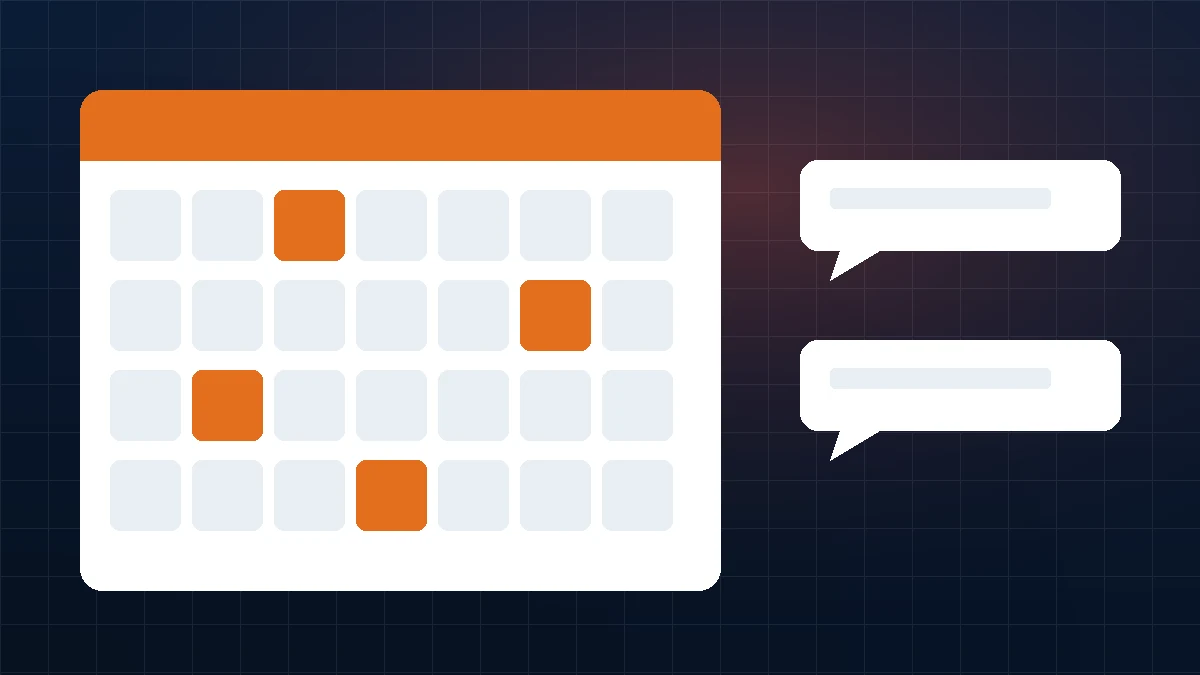
A small business blog calendar should begin with questions customers need answered, not a demand to publish something every day. I would choose topics that help someone compare options, prepare for a project or understand a service decision. That produces a more useful editorial plan than filling a sheet with variations of the same keyword.
A calendar is an organizational tool. It cannot guarantee traffic, rankings or a stream of inquiries.
Collect questions without copying private conversations
Ask the people who answer inquiries to list recurring questions in general terms. Useful sources include estimate preparation, project handoffs, support requests and reasons an inquiry turns out to be unsuitable. Remove names, account details and anything that could identify a customer.
Write the question as a reader would ask it. “What information does a website designer need before quoting?” is a clearer editorial starting point than “web design thought leadership.” It suggests both a practical answer and a reader who may be preparing to hire.
Separate the actual question from the proposed title. This lets the editor identify duplicates before different writers produce nearly identical articles. It also keeps the plan focused when the title changes during drafting.
Match a topic to the right page type
Not every question belongs in a blog post. The main service page should explain what you offer and how to start. A blog article can explore a narrower decision, a checklist or a practical example. A short factual answer might belong in the service page’s FAQ instead of becoming an entire new URL.
Google’s helpful content guidance asks whether content serves an existing or intended audience and helps readers achieve their goals. Use that as a quality test, not as a promise that a particular structure earns rankings.
Illustrative example: a designer’s service page describes website development. A separate article could explain how to prepare a redesign URL inventory. A second article with the same inventory under a different title would add little and could confuse the site structure.
Give each assignment a distinct purpose
For every topic, record the reader’s question, the answer the article must deliver, the relevant service page, supporting sources and a reviewer. Include what the article should deliberately leave to another page.
A manageable calendar might contain these fields:
- Working title and the exact problem it answers.
- Intended reader and decision stage.
- Existing page that already touches the subject.
- Distinct checklist, explanation or example to include.
- Source links and claims that need checking.
- Internal link destination and natural anchor wording.
- Review owner and publication status.
My content creation services can turn that brief into a usable draft. The brief should still identify who can verify service details; writing does not create factual authority on its own.
Use links as navigation, not decoration
A contextual link should give the reader a sensible next step. An article about reviewing a campaign could link to the relevant advertising service when it discusses implementation help. It does not need the same exact-match anchor repeated throughout the piece.
Link to an unpublished article only after its final URL exists. Until then, keep proposed connections in the editorial tracker rather than inserting broken links into public copy. This is especially important when several related articles are being prepared together.
For a broader plan, marketing strategy and execution support should connect the editorial work with the business’s real offer. Traffic to an unrelated topic may not help the people you want to serve.
Review usefulness after publication
Check whether readers reach the relevant service information, whether the article answers the inquiry it was written for and whether facts remain current. Search data can suggest questions worth clarifying, but a short reporting period does not prove a topic has succeeded or failed.
Revise an existing article when its answer needs improvement. Do not automatically create a replacement page for every new wording of the question. A smaller collection of distinct, maintained articles is easier to navigate than an expanding pile of near-duplicates.
Contact Us to turn customer questions into a focused editorial plan.